
Settings
The five pages of the Settings window.
Open Settings from the gear button in the session window, with ⌘, or from the pill’s right-click menu.
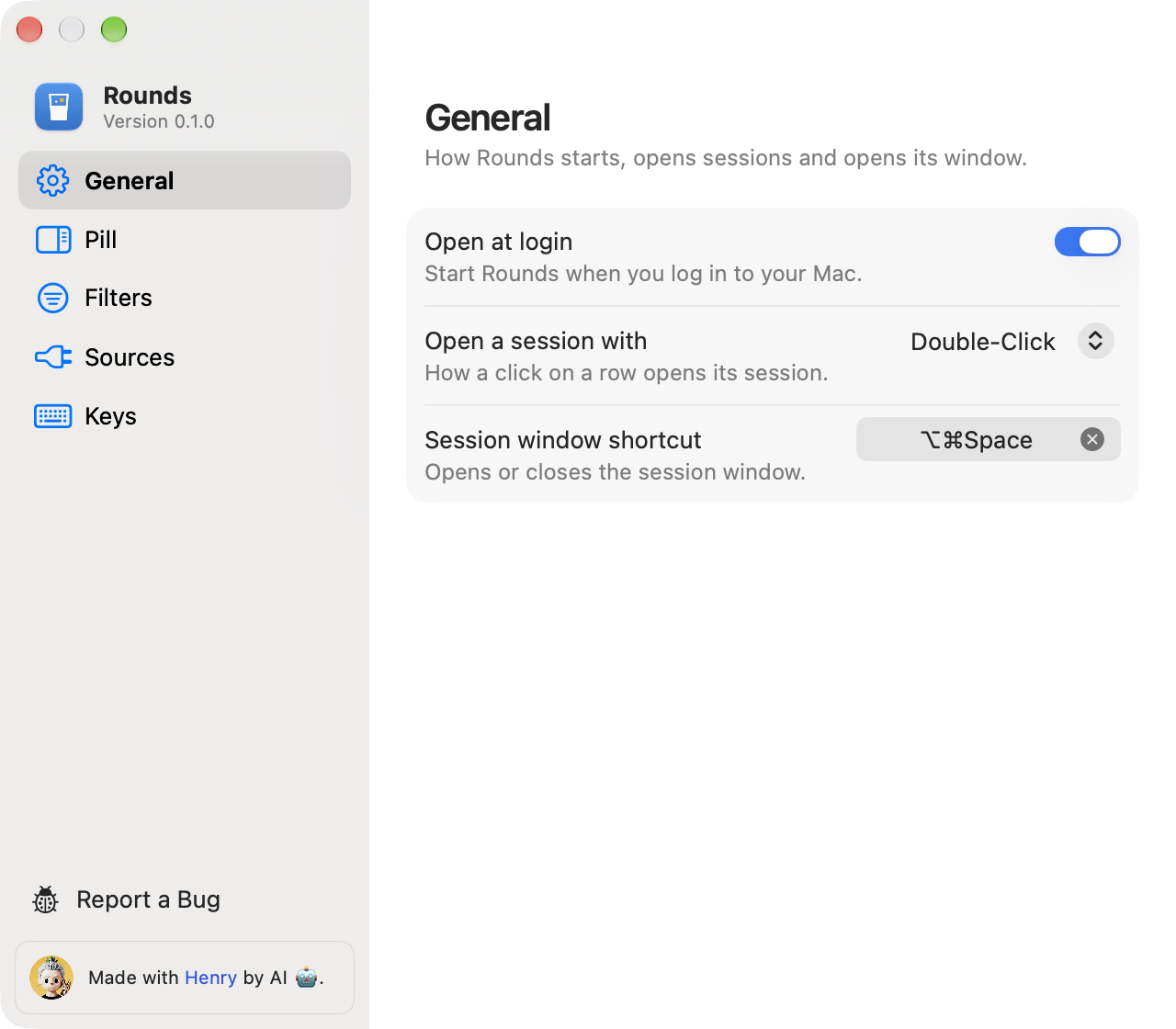
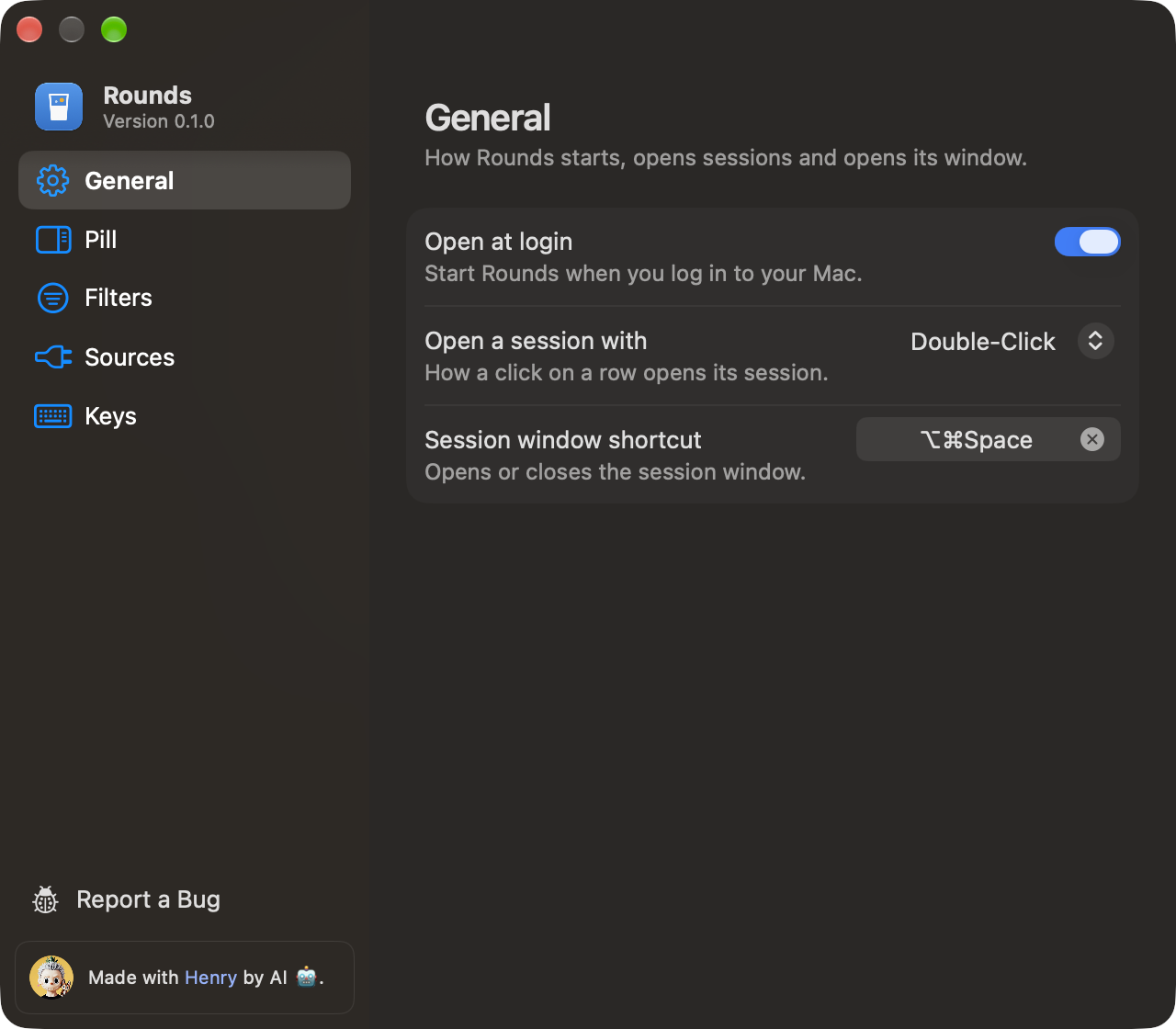
General
Open at login, the app that opens a session, and the session window shortcut. Click the shortcut field and press a combination with ⌘, ⌥ or ⌃. Press Delete to clear it.
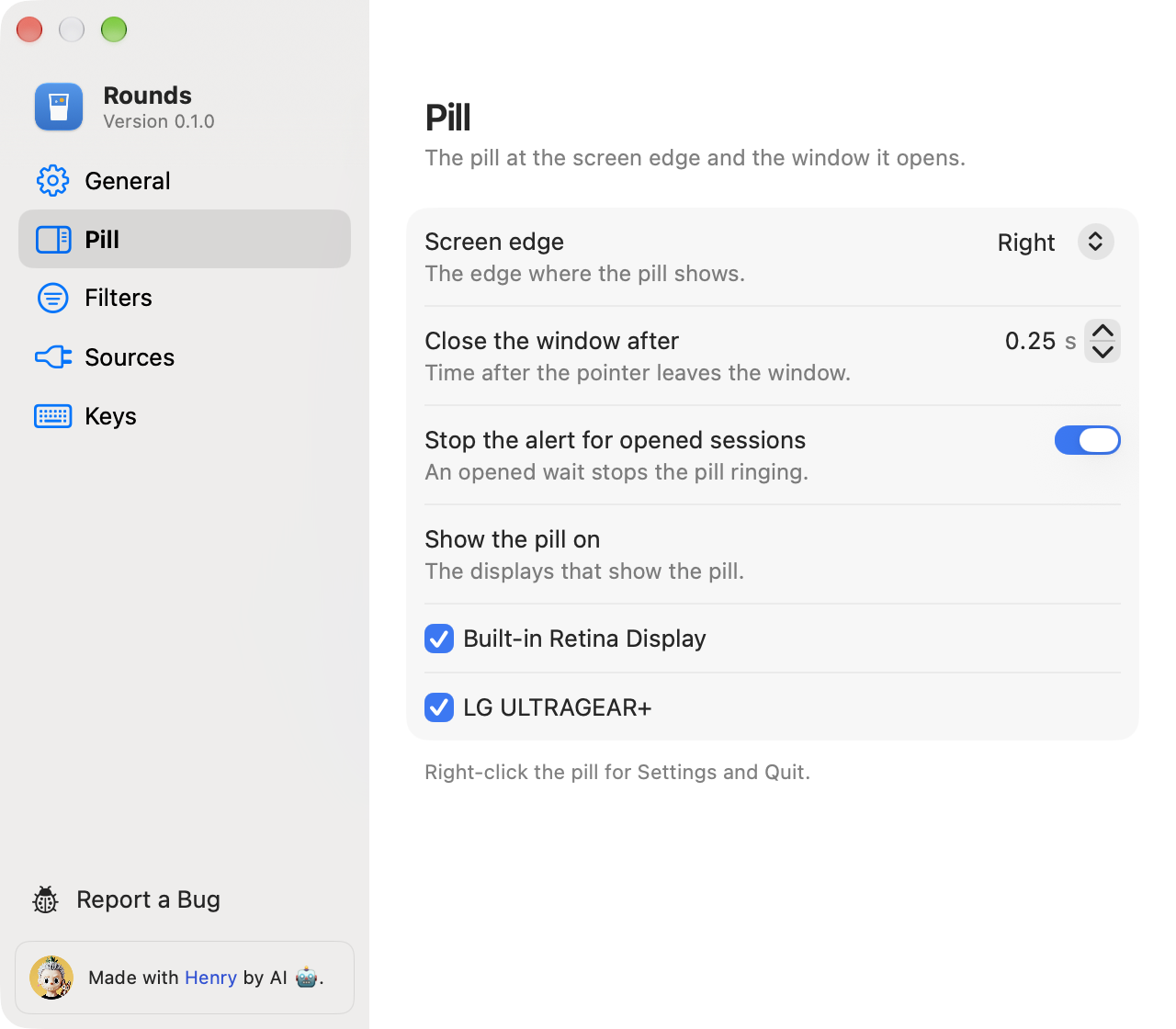
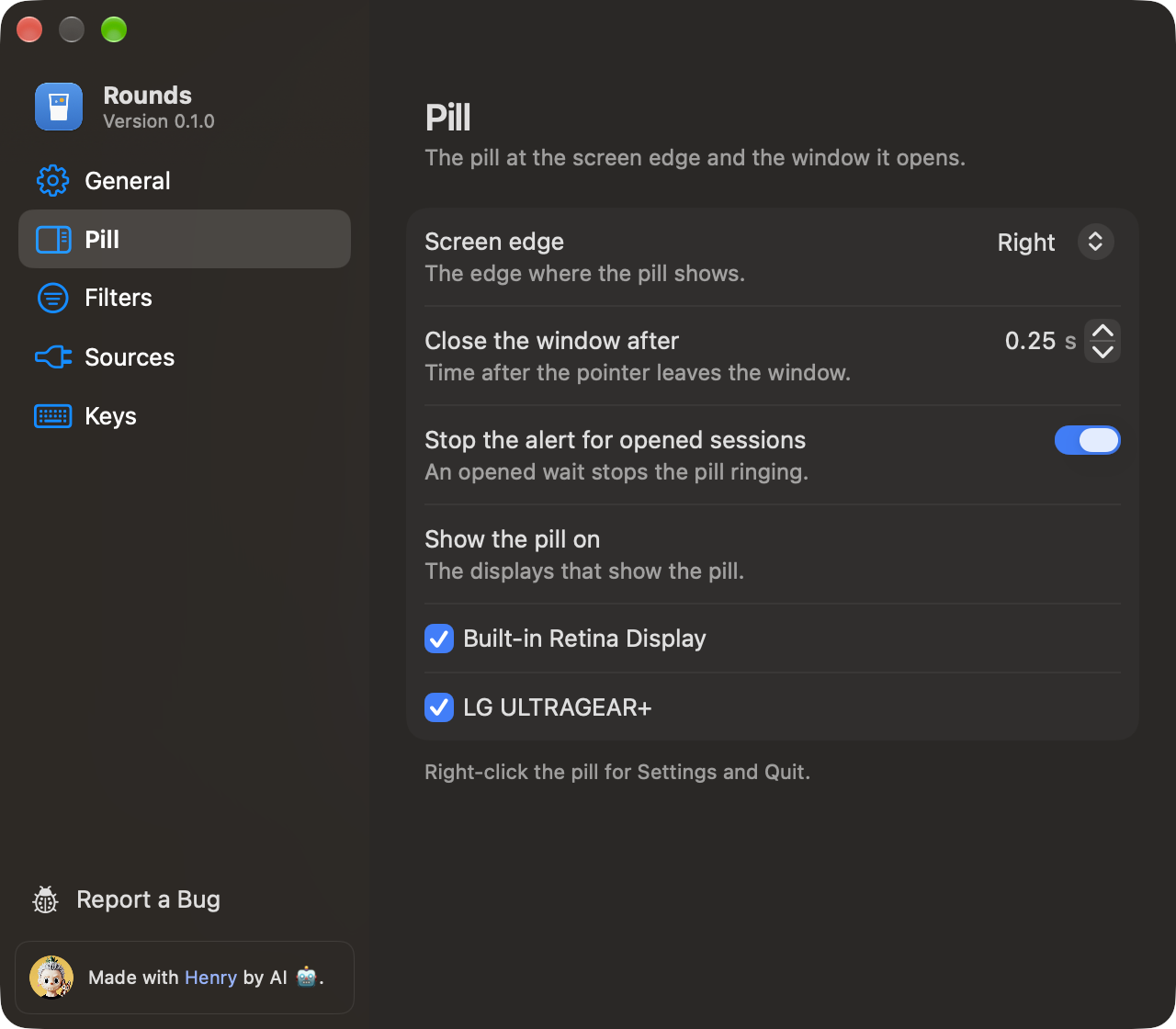
Pill
The screen edge, the time before the window closes after the pointer leaves, whether opened sessions stop the alert, and the displays that show the pill.
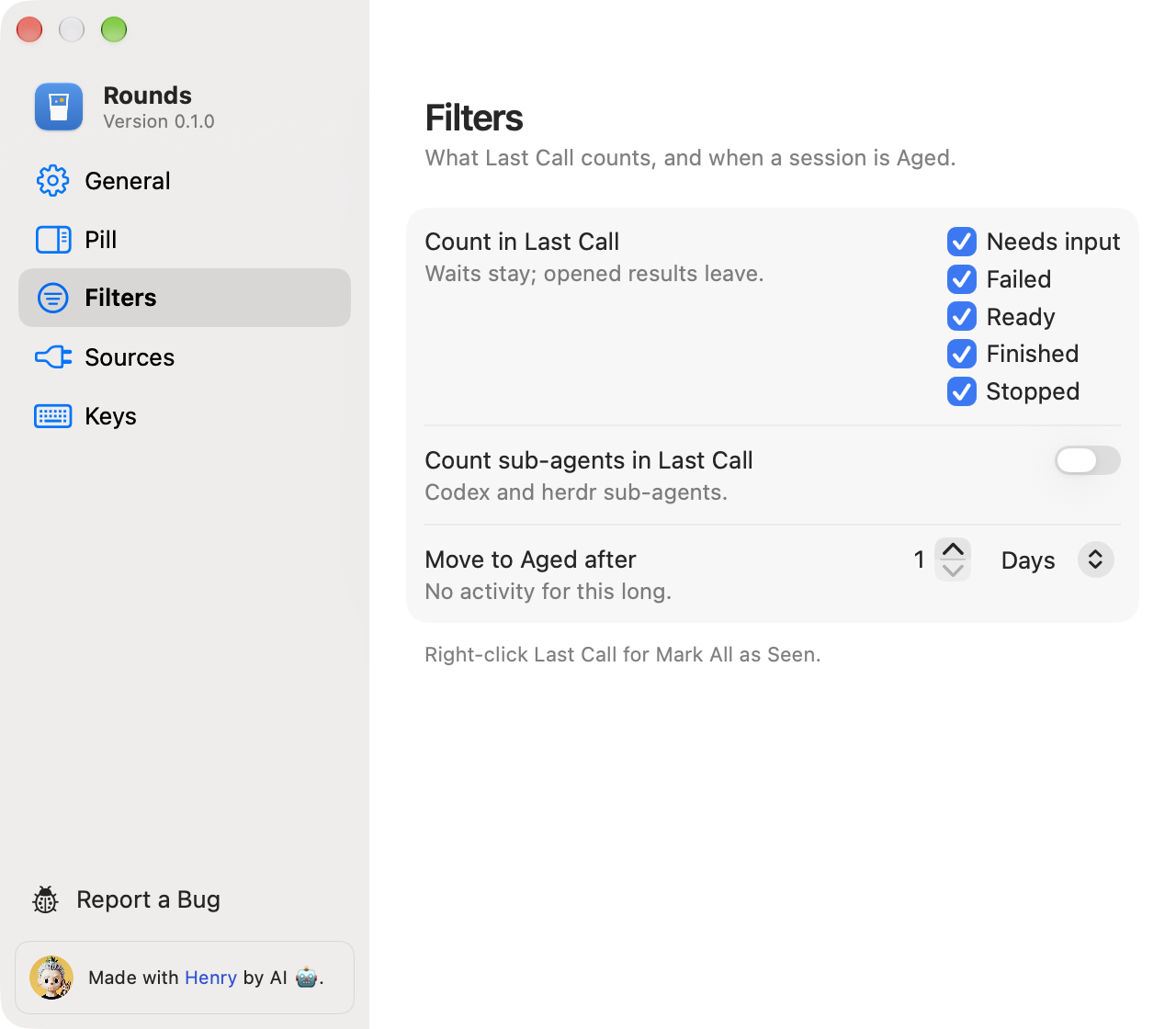
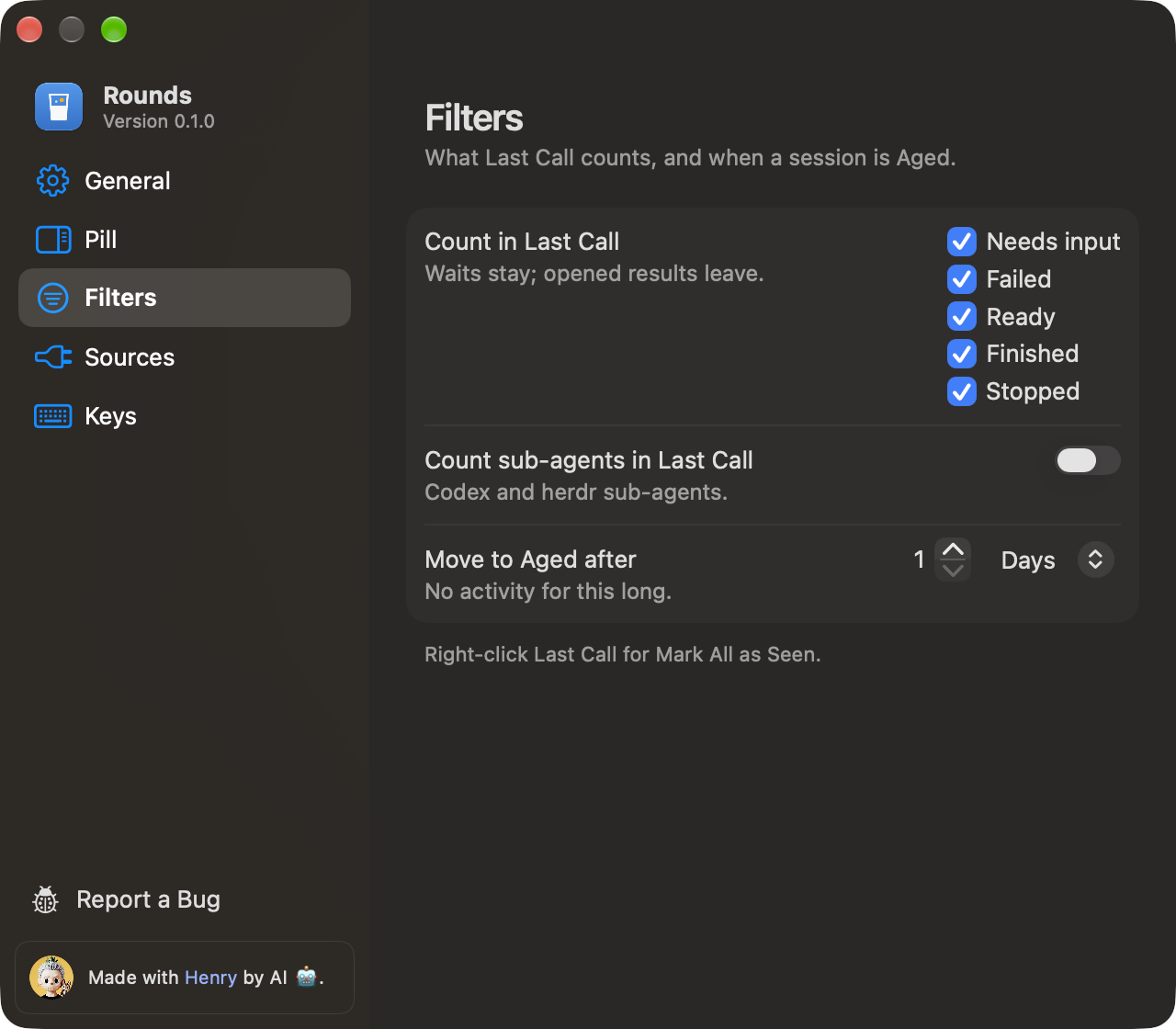
Filters
What Last Call counts and when a session is Aged. Last Call shows the sessions in the checked states that you have not seen, until you open them. Keep waiting sessions in Last Call keeps a session that needs input or failed after you open it, until the agent goes on. Count sub-agents in Last Call is off, because the agent that started a sub-agent asks you itself. Move to Aged after sets how long a quiet session stays out of Aged: 1 day by default, in hours or days.
Sources
Hook status for Claude Code and Codex, with Install Hooks, Remove Hooks and Repair Hooks. It also shows the herdr connection. See Sources.
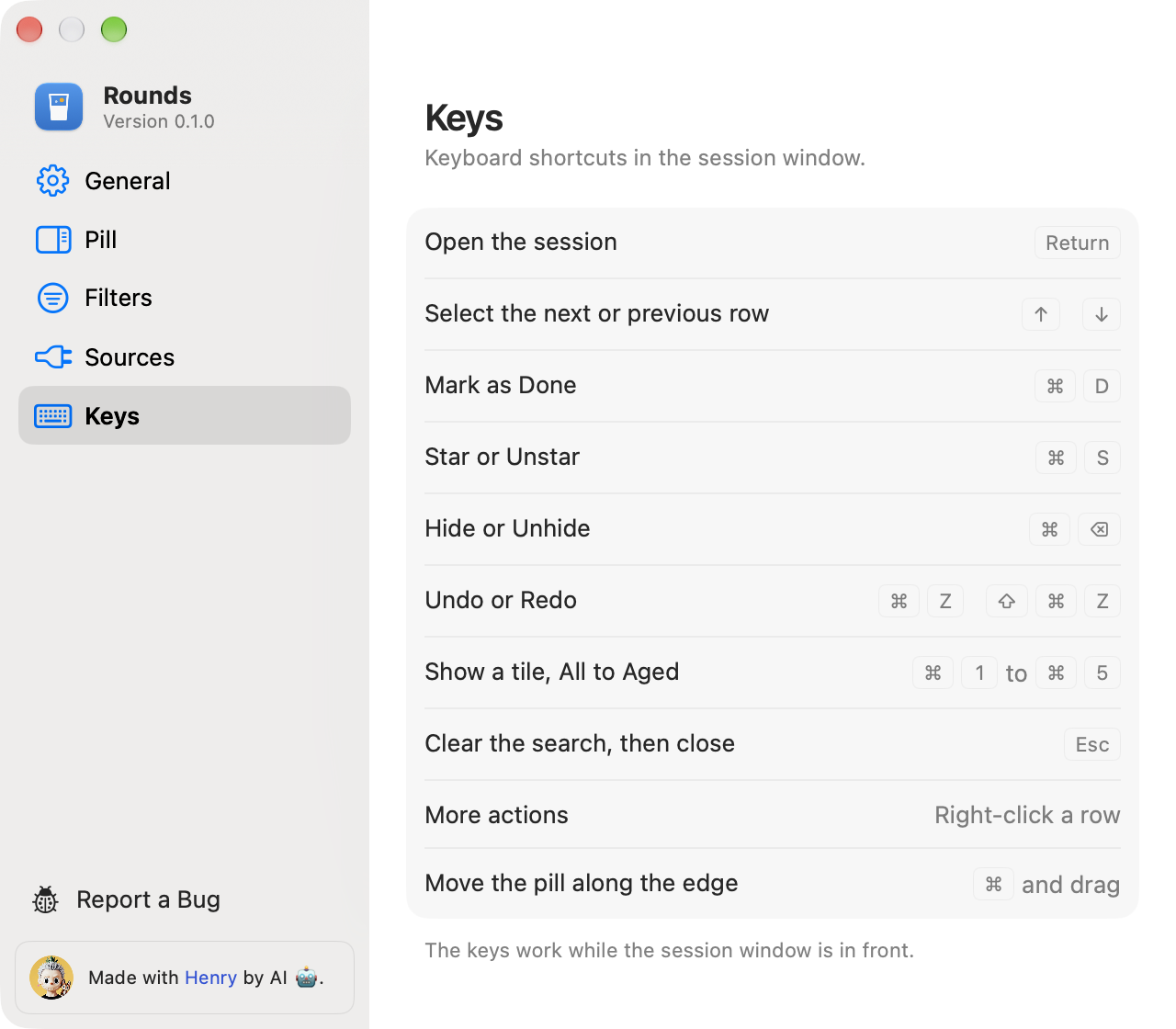
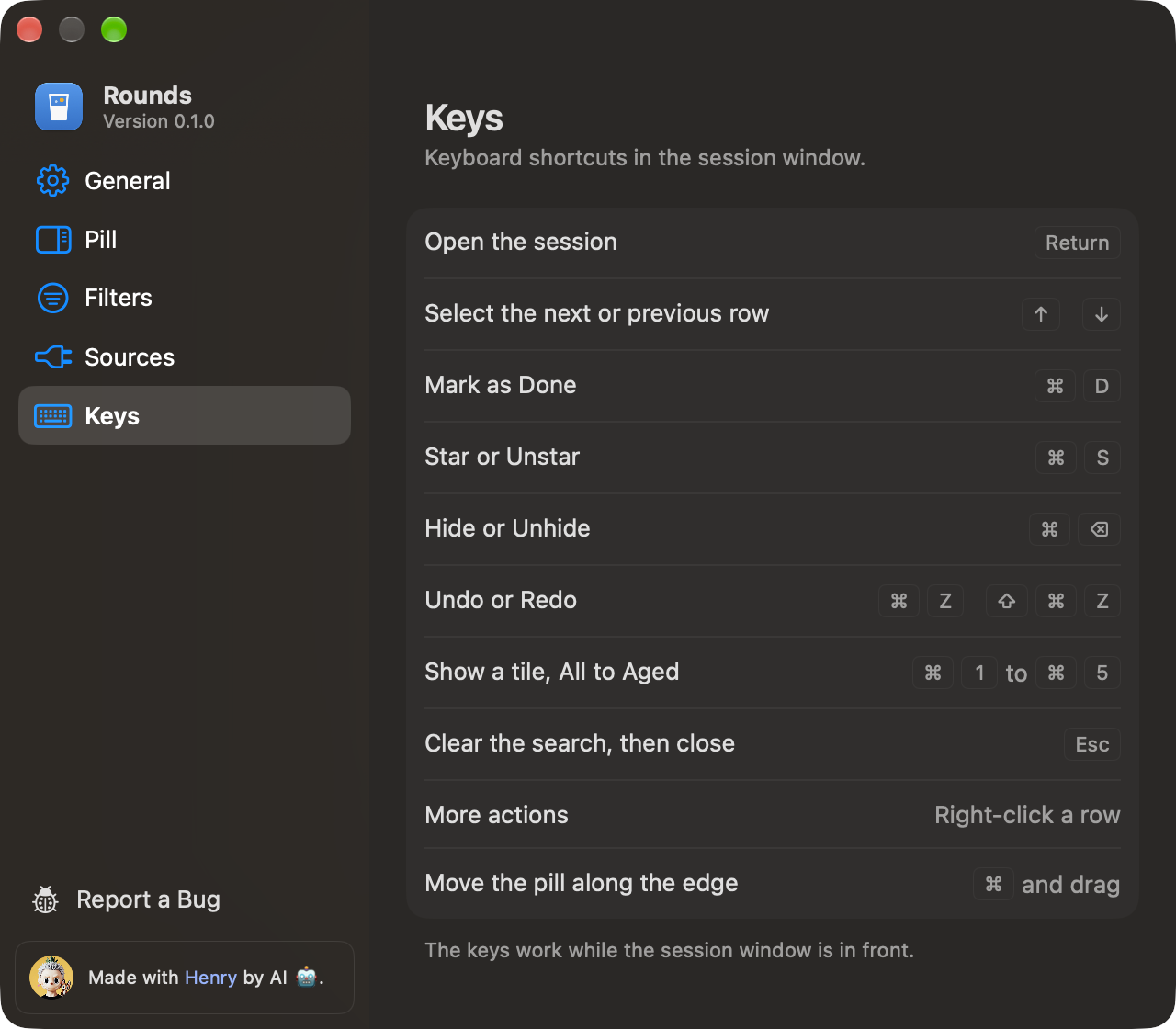
Keys
The cheatsheet of the session window keys. See Keys.
Report a Bug
At the foot of the sidebar, Report a Bug opens a prefilled GitHub issue page in your browser. It lists the Rounds version, macOS, and the versions of Claude, Codex and herdr. You read it and send it yourself.